Handle Delivery and Availability Schedule Exceptions
Use this recipe to block or adjust specific dates in your delivery or availability schedule, for example to stop deliveries on a public holiday or to shorten the cut-off time on a day you close early. Your recurring weekly schedule stays unchanged.
Prerequisites
- You have administrator access to the CloudSuite App.
- A delivery schedule or availability schedule exists, so you can link the exception to it.
Set up all Exceptions
- In the CloudSuite App, go to Order Management > Configuration > Delivery Schedule Configuration > Delivery Exceptions or Availability Exceptions (depending on your requirement).
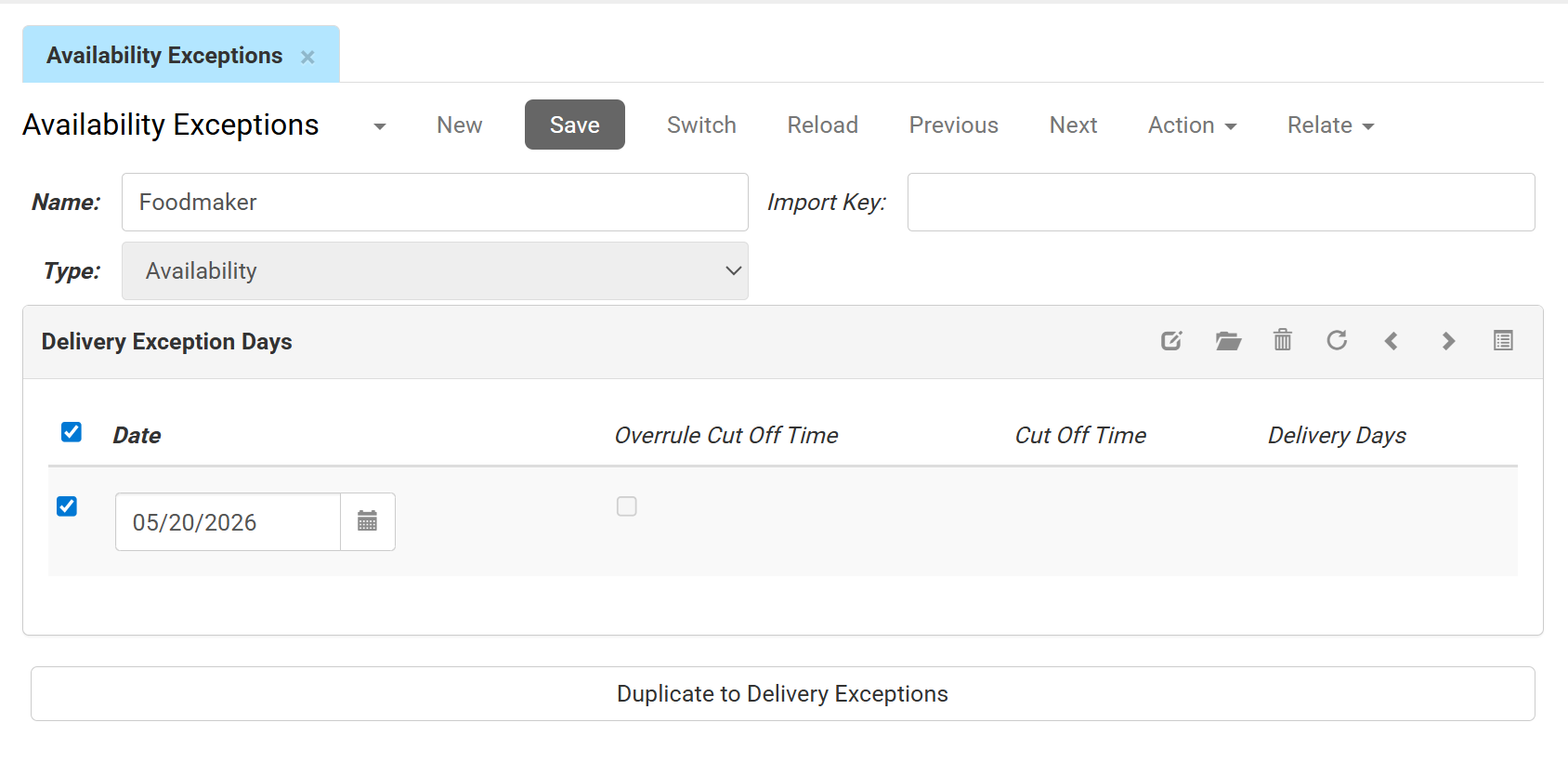
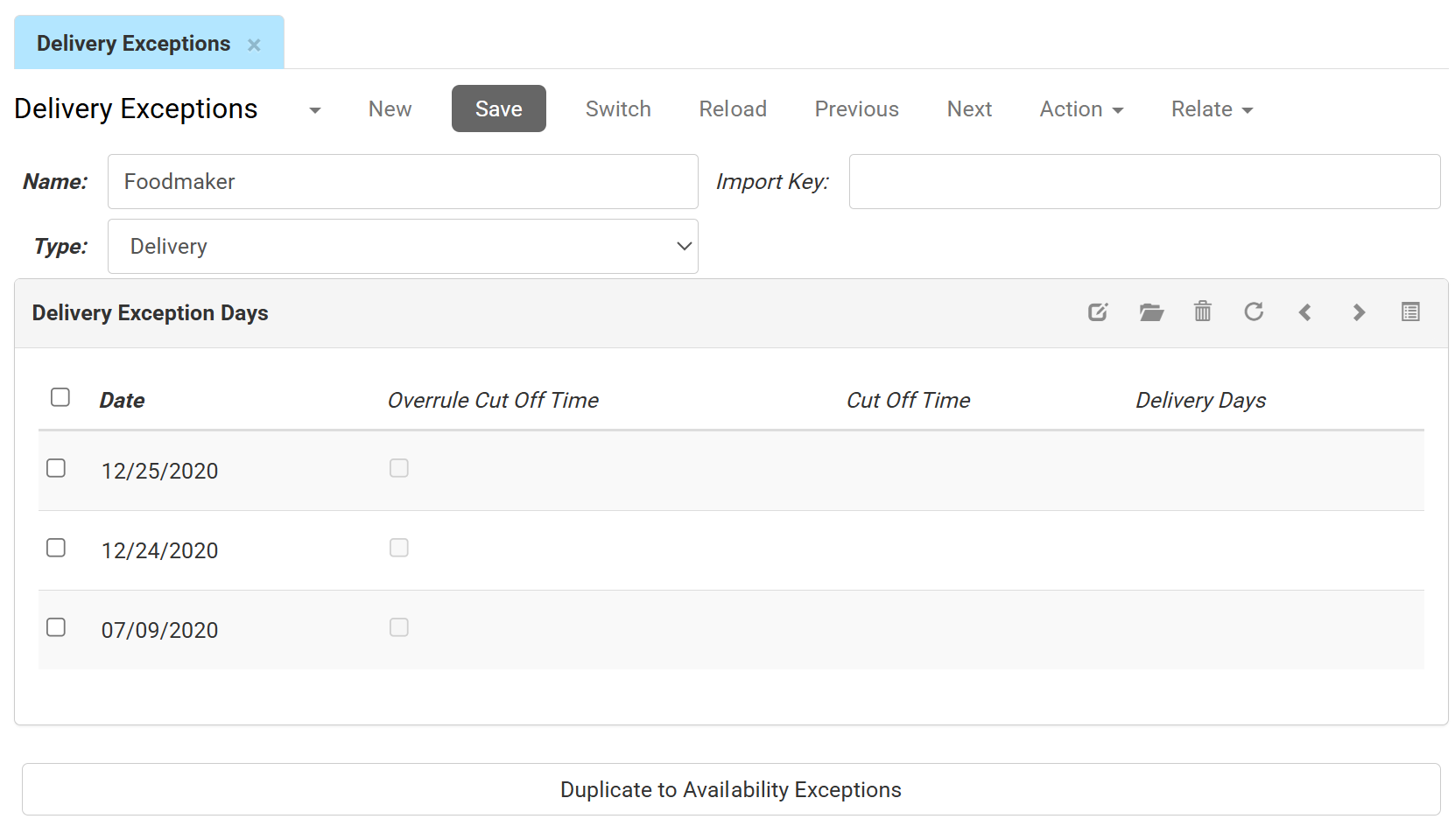
- Click New to create a new exception profile, or double-click an existing one to edit it.
- Enter a Name and verify that the Type drop-down matches your screen (Delivery or Availability).
- Add a row in the Delivery Exception Days table and enter a Date (for example, 25 December 2025 for Christmas Day).
- Complete the row for what you need:
- To block the day (for example, a public holiday), add the date and leave Available unchecked. The system treats the date as a blocked day, and customers cannot select it for delivery.
- To make a normally blocked day available as a one-off (for example, a day blocked at customer level), check Available and leave Cut Off Time and Delivery Days blank. The date then uses the standard cut-off time and lead time.
- To change the cut-off time for the day (for example, when you close early), check Available and enter a time in Cut Off Time (for example, 12:00:00). This overrides the standard cut-off time for that date.
- To change the lead time for the day (for example, to cover a holiday delay), check Available and enter a number in Delivery Days. This overrides the standard lead time for that date.
- Click Save.
- (Optional) To create the same exception on the other side, click the Duplicate to Delivery Exceptions button at the bottom of the page. This copies the exception, including its exception days, as an exception of the other type (availability or delivery).