Scan Center Settings Screen
In the Scan Center app, tap Settings in the navigation bar to view the active webshop and how you scan and add products to your basket.
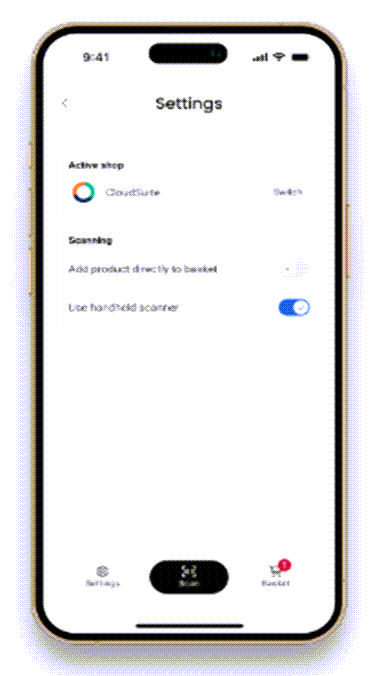
You can connect Scan Center to multiple webshops and switch between previously connected webshops.
- Active shop: Shows the webshop that is currently connected to Scan Center. Tap Switch to select another webshop that you previously connected to Scan Center. You do not need to scan the webshop QR code again.
Scanning
- Add product directly to basket: Enable this setting to add a product to your basket immediately after you scan its barcode. The product details page opens and shows that the product was added to the basket. You can change the quantity later in the basket. Disable this setting to open the product details page without adding the product to your basket. You can then change the quantity and add the product to your basket.
- Use handheld scanner: Enable this setting to scan product barcodes with a connected handheld scanner instead of the camera on your mobile device.