Request for Review
Go to Reviews > Requests for Review to track all automated review invitations that the system has sent to customers after their purchases. An overview appears listing all generated requests.
Click a request to view its details.
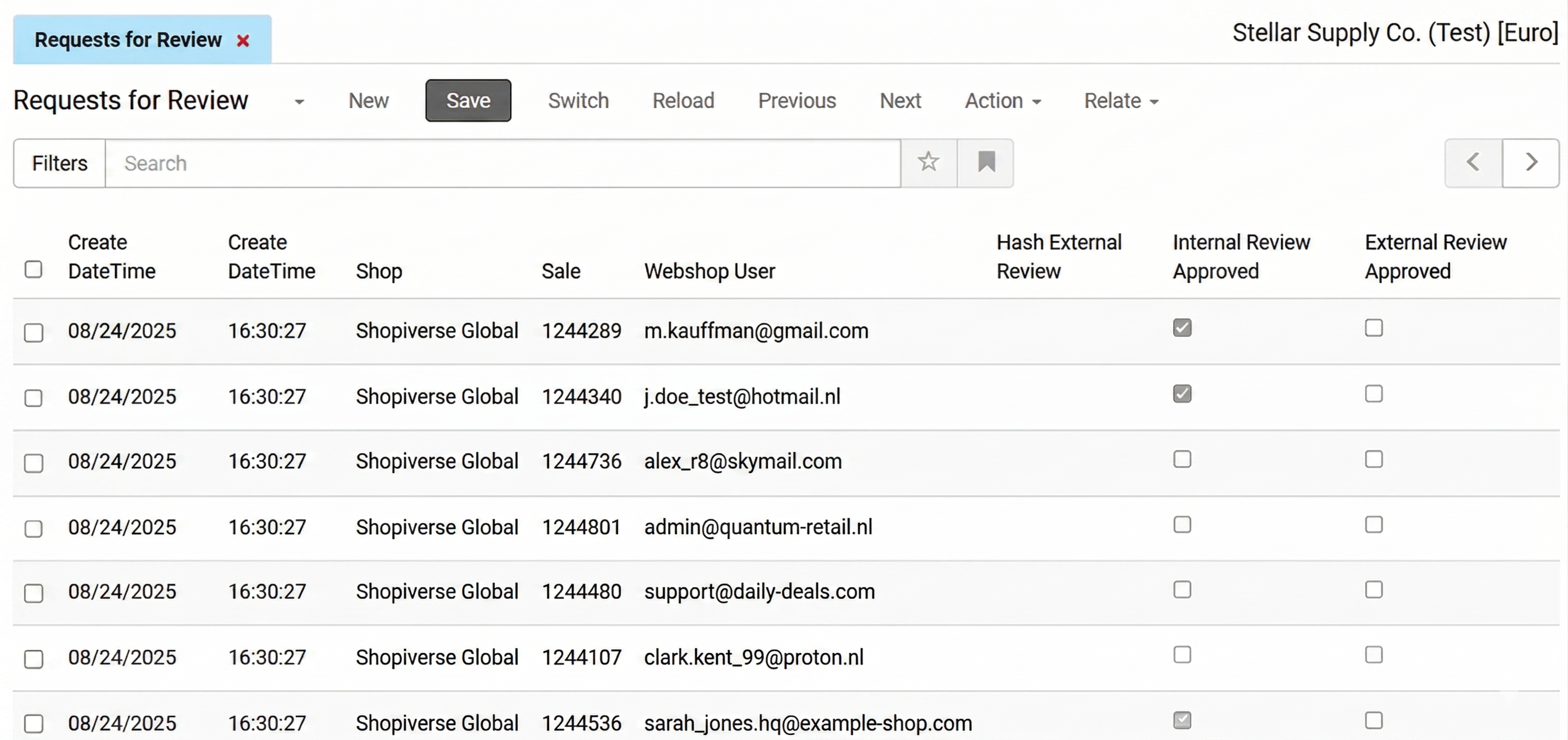
- The two Create DateTime values show the date and time when the system generated and sent the request.
- Shop identifies the sales channel from which the request originated.
- Sale shows the order number associated with the request.
- Webshop User identifies the customer by their email address.
- Internal Review Approved indicates whether the customer has submitted an internal review and whether the review has been published
- External Review Approved indicates whether the customer has submitted a review via an external platform and whether the review has been approved there.