Categories
Categories are used to link price-related aspects such as taxes and discounts to products. Categories classify products for internal management and financial reporting. Unlike product trees, which are used for shop navigation, categories focus on accounting and data organisation.
In the CloudSuite App, go to PIM > Categories (tree). An overview appears listing all product categories.
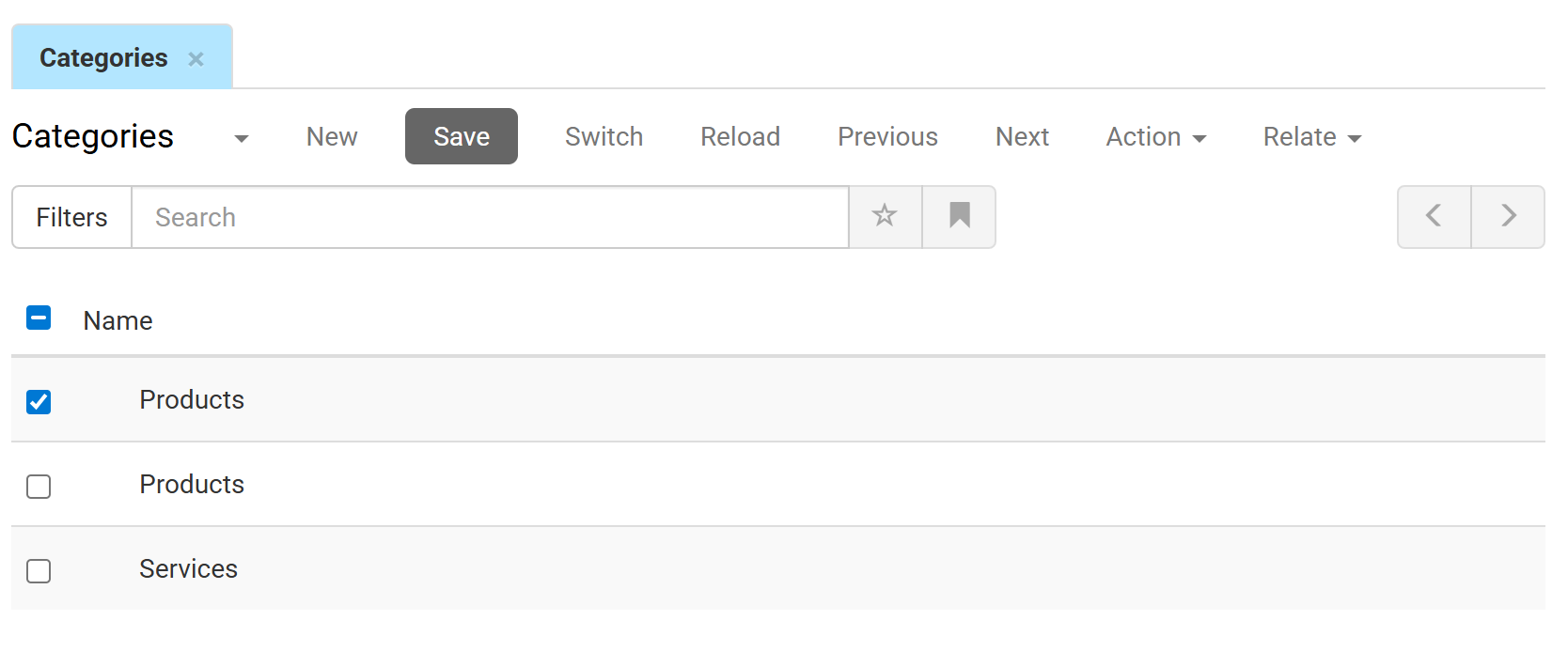
Double-click a category to open it. The Product by Category tab appears, listing the products assigned to that category.
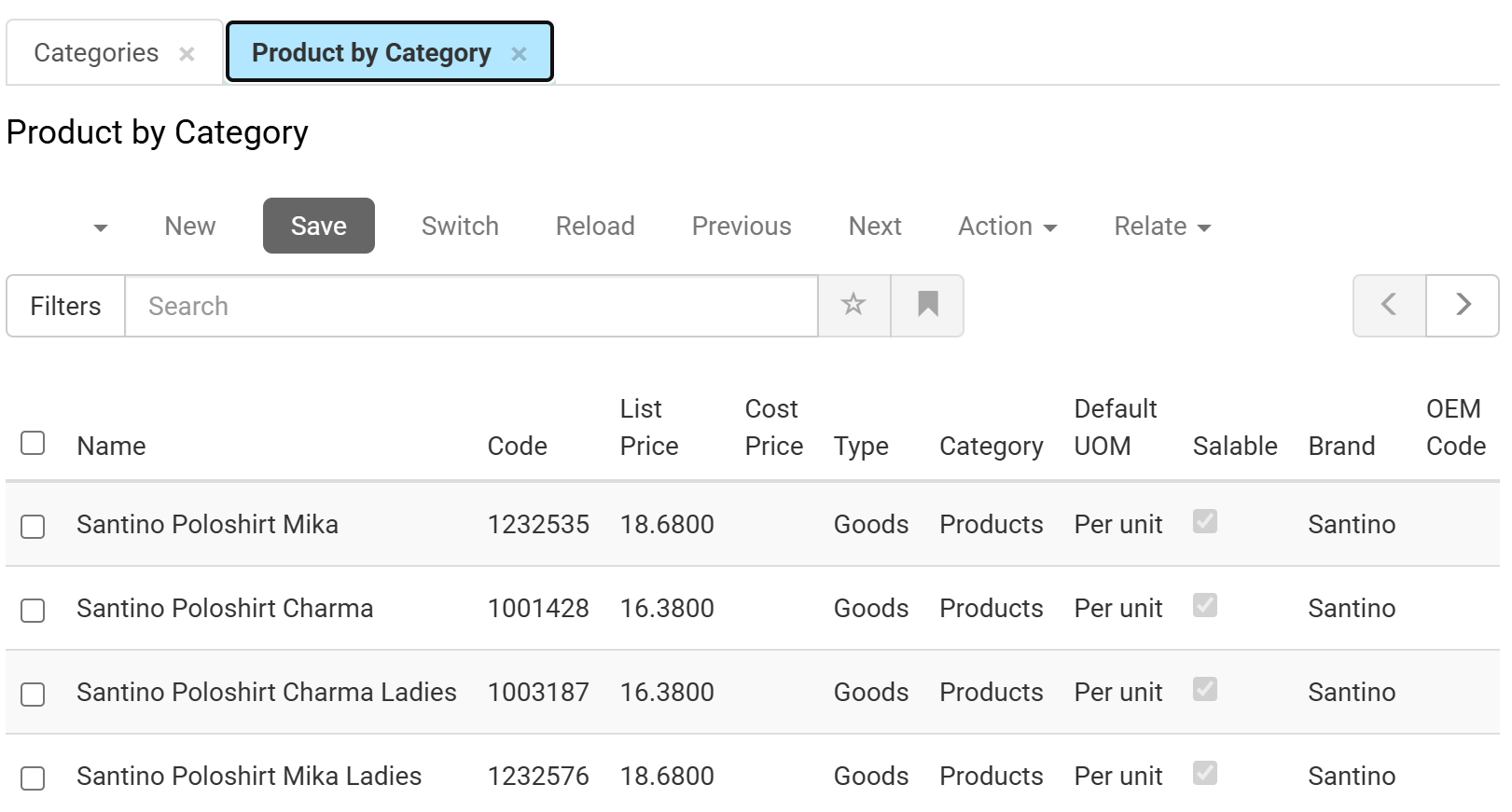
- Double-click a product to see its details.
- Click New to create a new product.