Sale Types
Sale types categorise your sales and link them to promotional pricelists or shipping cost rules.
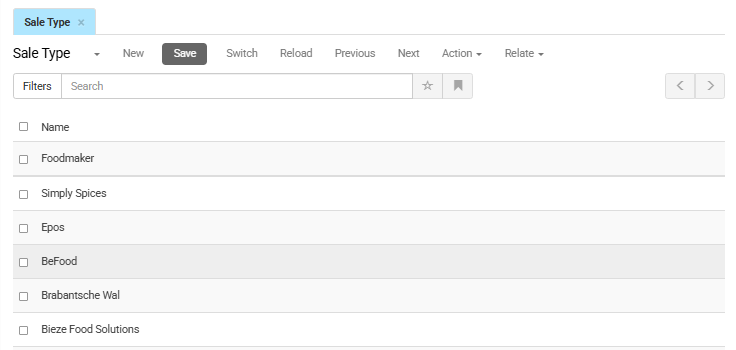
To manage sale types, go to Order Management > Configuration > Sale Types (or your relevant configuration path) in the CloudSuite App. The list shows all existing sale types. Double-click an entry to edit it, or click New to create a new one.
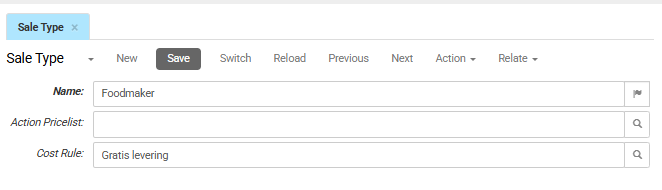
- Name is the name of the sale type. To add translations, click the flag icon.
- Action Pricelist is the promotional or action pricelist linked to this sale type. Click the magnifying glass icon to search and select a pricelist.
- Cost Rule is the cost rule applied to the orders with this sale type. Click the magnifying glass icon to search and select a cost rule.
- Invoice Method — how orders of this sale type are invoiced, for example manually or when the shipment is sent.
Tip
To replace this cost rule for specific customers, see Sale Type Substitutions.