Link a Product to a PIM Type
PIM types define how products are structured. Use them to assign attributes and configure product names and translations for multiple products.
When you link a product to a PIM Type, the product uses the configuration of that PIM Type.
Product names and translations are generated based on this configuration. For more information, see Generate Product Names with Attributes and Translations.
Steps
-
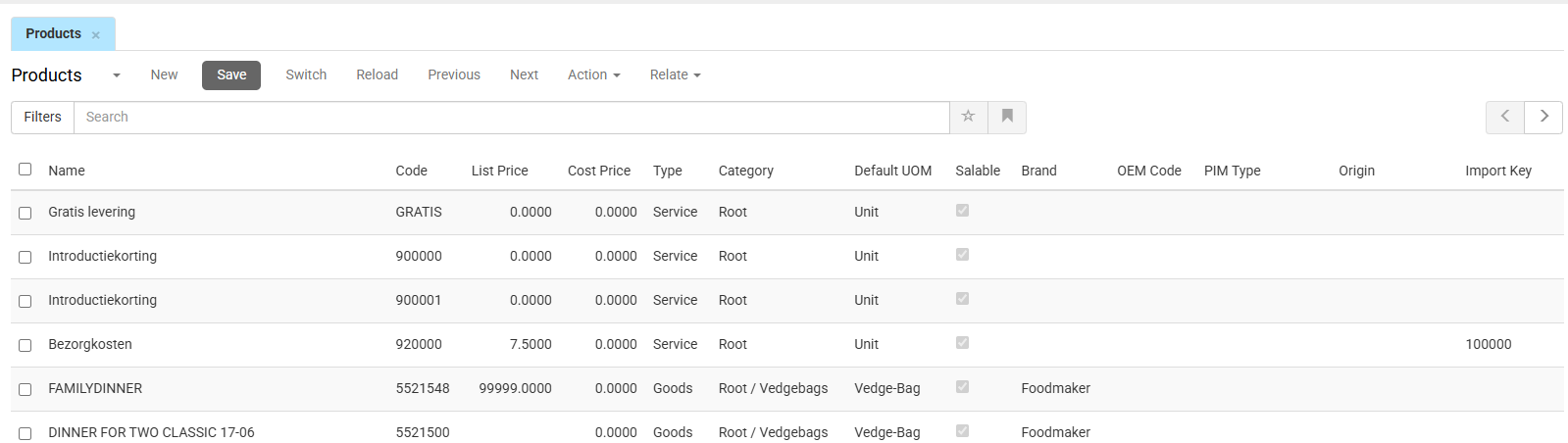
In the CloudSuite App, go to PIM > Products.
An overview appears, listing all products that have already been defined.
-
Double-click the product that you want to link to a specific PIM type.
-
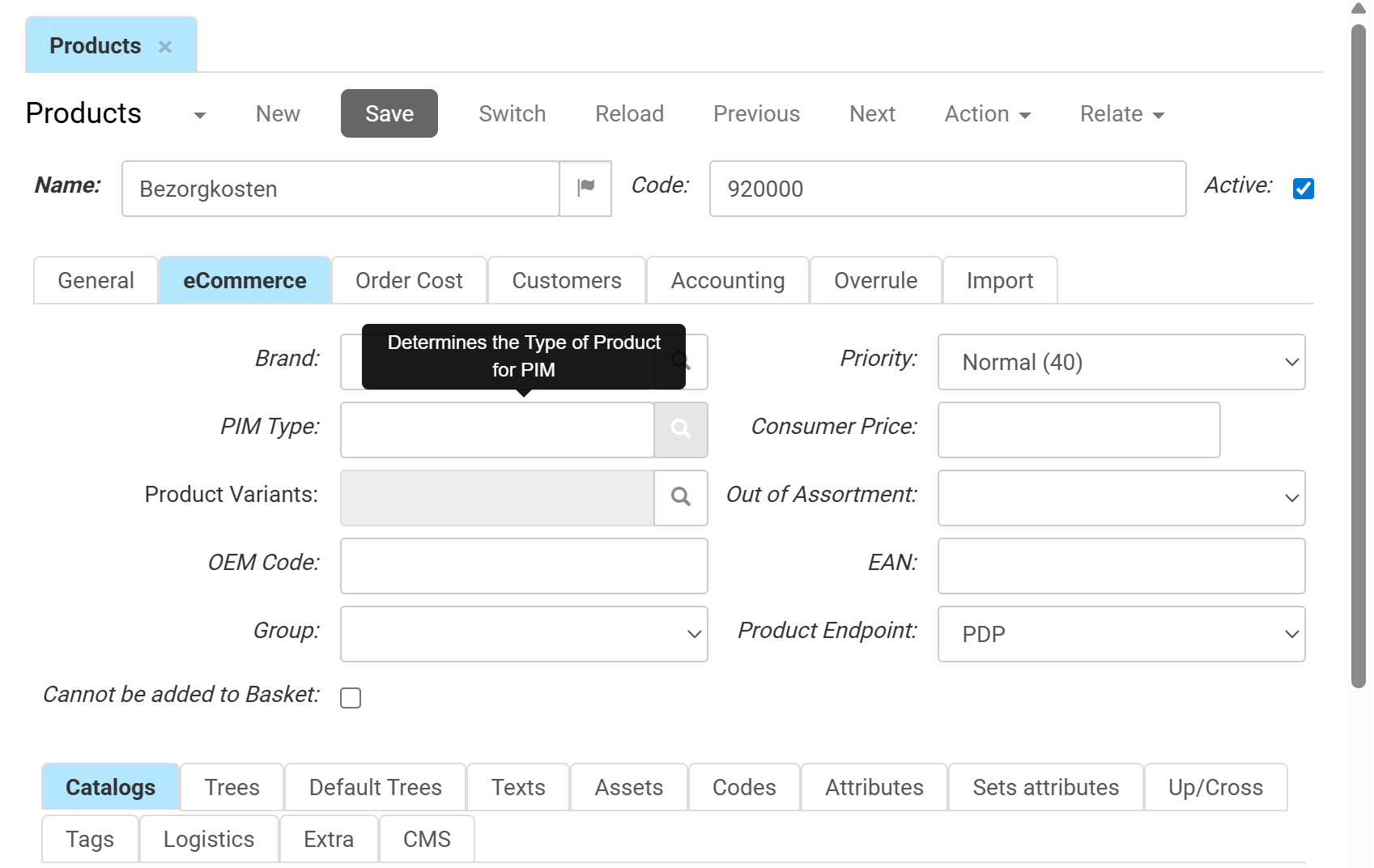
Go to the eCommerce tab.
-
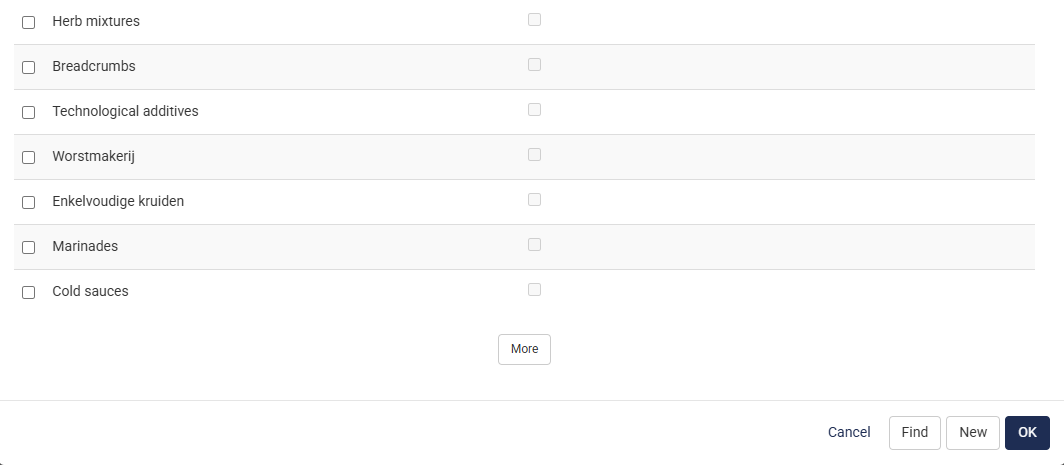
Click the search icon for the field PIM Type. A list of PIM types is shown.
-
Select a PIM type from the list.
-
Click OK.
-
Click Save.
The product is now linked to the PIM type that you selected.
Verify the Result
To view the linked product:
- Go to PIM > Product PIM Types.
- Select the PIM type.
- Click Relate and select Product to view the list of products linked to the selected PIM Type.