Managing Items in the CloudSuite Admin
When you navigate to a particular section in the CloudSuite Admin, an overview is shown of all defined items that you can work with in that section. Near the top of the page, a Search box lets you find the item that you are looking for.
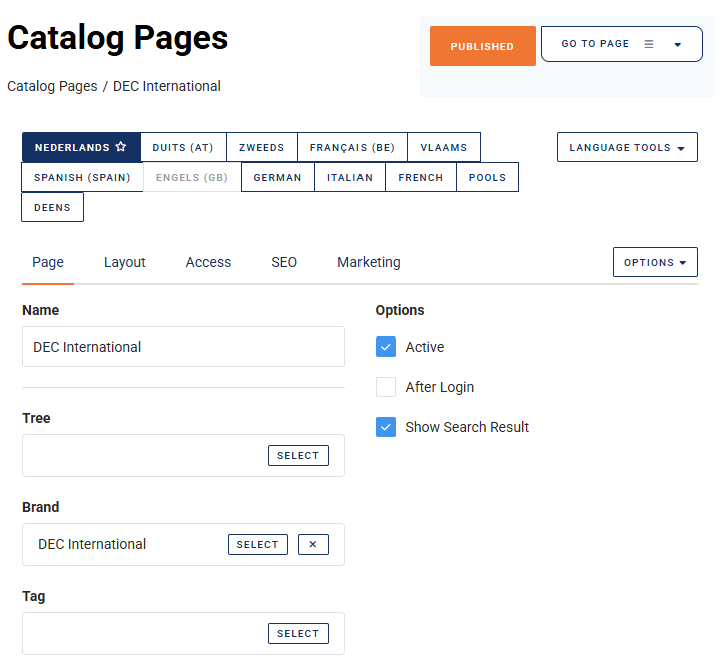
When you click on an item, a Details page displays the details about the item.
Creating a New Item
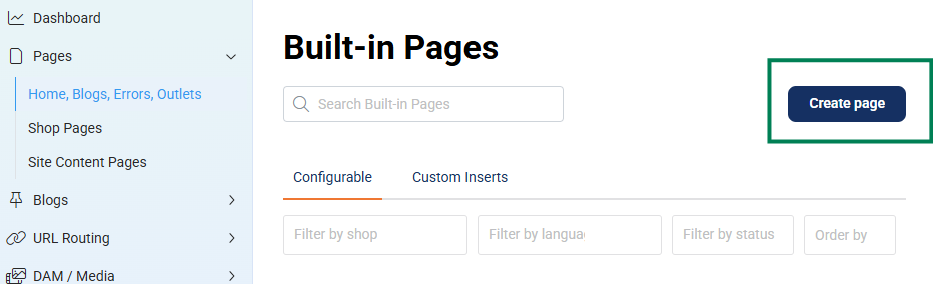
To create a new item, click the Create XXX button in the top right corner of the overview (where XXX identifies the nature of the items you are working with). A new item will be created and its Details page will open.
You can also create a new item from the Options menu in any other item's Details page.
Editing an Existing Item
To edit an existing item, click on it in the overview. Its Details page will open.
Deleting an Existing Item
To delete an existing item, click on it in the overview to open its Details page. Then, from the Options menu, select Delete.
