Dashboard
The Dashboard presents valuable information on how customers are using your site, and tells you about new features of the CloudSuite platform.
To view your Dashboard, click on the Dashboard option at the top of the CloudSuite Admin menu.

CloudSuite Updates
The top section of the Dashboard displays updates about the CloudSuite platform such as new or upcoming features, release notes or upcoming CloudSuite events..

Statistics
Below the updates section, the Statistics overview shows key sales figures for a selected shop and date range.
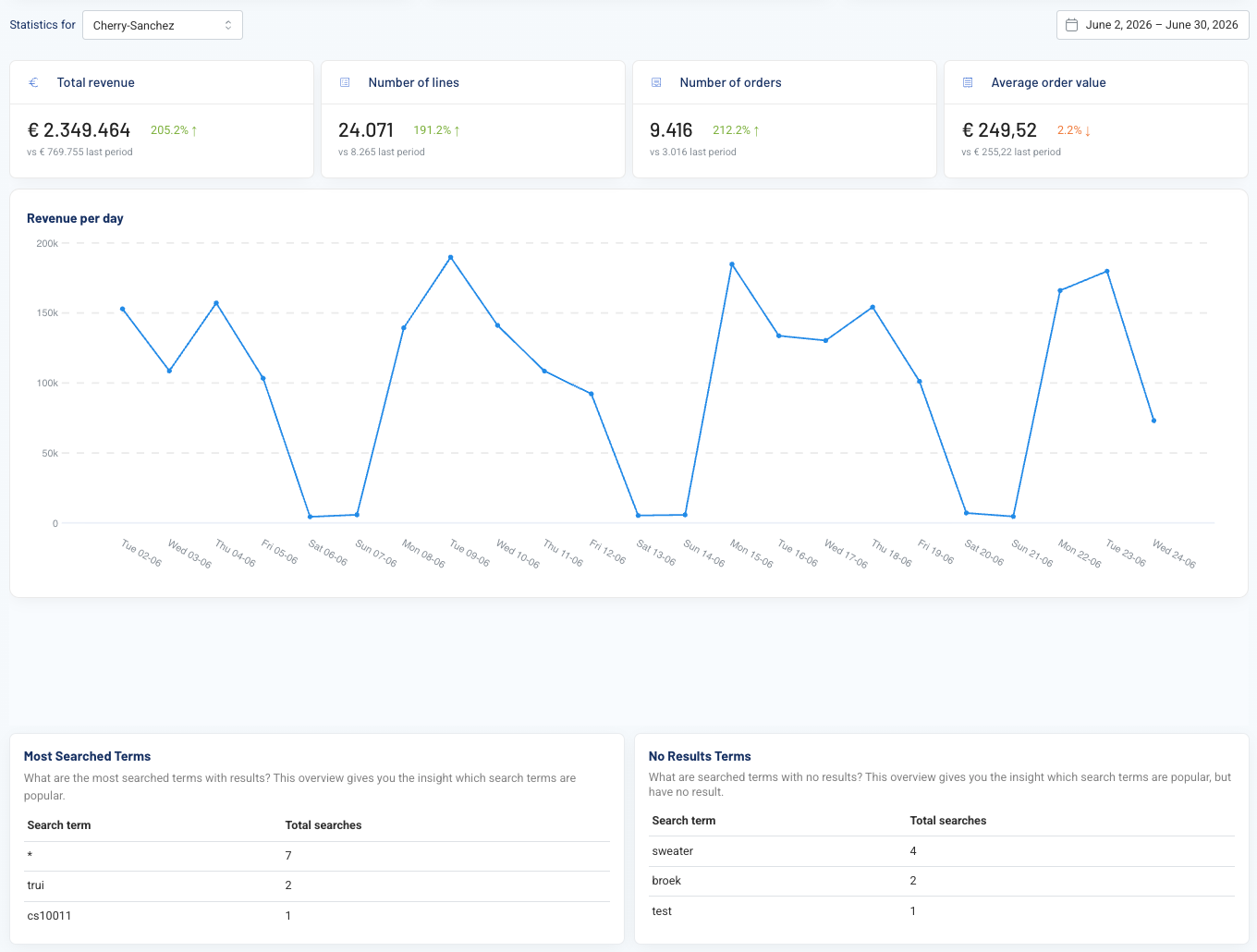
Four cards at the top summarize the key figures for the selected period and filters:
- Total revenue: the total sales value generated during the selected period.
- Number of lines: the total number of order lines (individual product entries within orders) placed during the period.
- Number of orders: the total number of separate orders placed during the period. Comparing this to Number of lines can show whether customers are placing larger orders (more lines per order) or more frequent smaller orders.
- Average order value: the total revenue divided by the number of orders. This is useful for tracking whether customers are spending more or less per order over time, which can inform pricing, bundling, or minimum order strategies.
Each card also shows the percentage change compared to the previous period, so you can see at a glance whether performance is trending up or down.
Revenue per day
A line chart plots daily revenue across the selected date range. This makes it possible to see how revenue is distributed across the period, rather than only seeing the total.
Most Searched Terms and No Results Terms
The section below the revenue per day chart, provides two overviews: Most Searched Terms and No Results Terms.
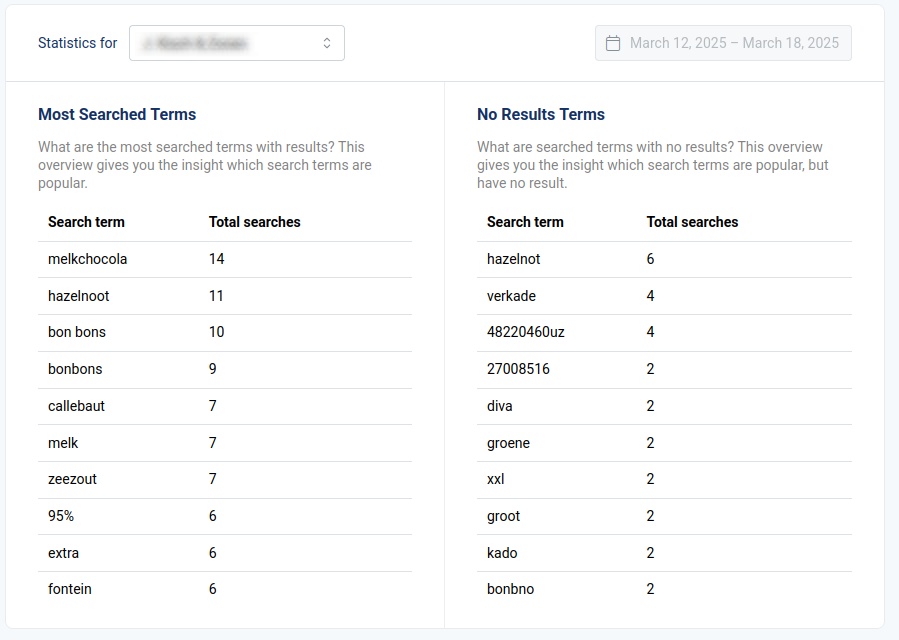
- Most Searched Terms shows a list of top 10 most frequently entered keywords in the Search Bar on your webshop that did return results. Keywords that did not return any search results are not included in this list.
- No Results Terms shows a list of top 10 most frequently entered keywords in the Search Bar on your webshop that returned no results.
If a certain term appears here with a high number of Total searches, it may be useful to create a search keyword redirect or define synonyms.
Note that neither list is exhaustive: only the top 10 keywords for each list are displayed.